9 Reasons you DON’T need Google Jamboard

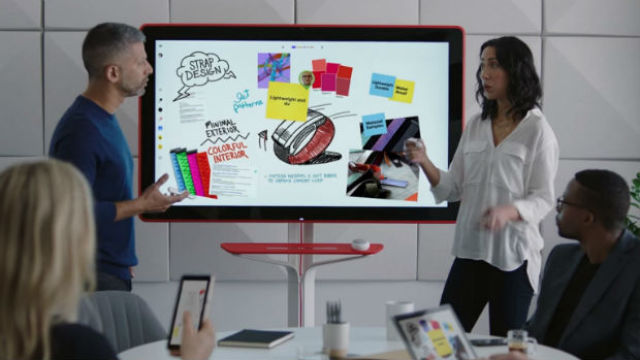
Google Jamboard alternative Google Jamboard Image Credit - Google Tech Giant Google Inc has announced the release of its new interactive flat panel, the Google Jamboard. Google, renowned for being an innovator and certainly a leader in the world of tech this time, in our opinion has come up short. Not available for [...]
By |2021-01-08T11:54:29+00:00October 26th, 2016|Interactive Flat Panels|Comments Off on 9 Reasons you DON’T need Google Jamboard

Replace your Promethean® with Interactive LEDs without losing Flipchart lessons.

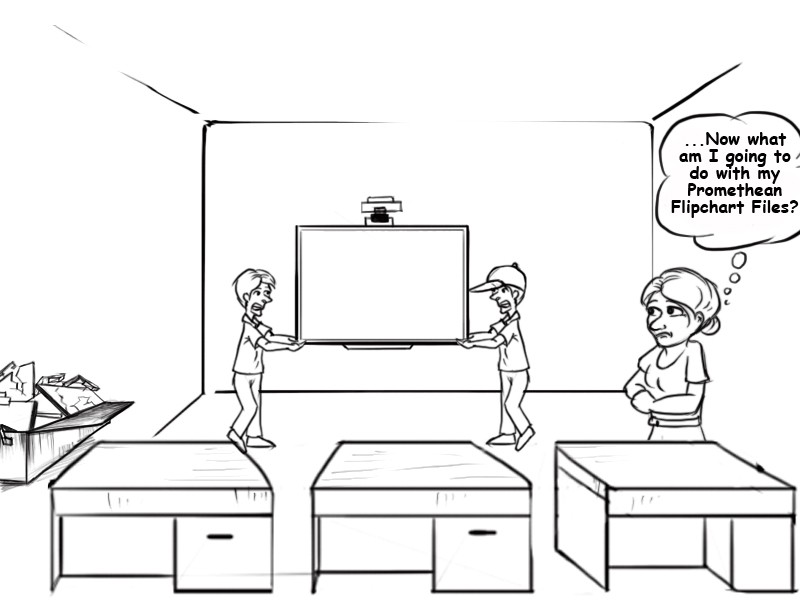
For the IT department of a School District, updating old Promethean®* boards with new technology and software can be an absolute minefield. There are a lot of decisions to be made. What technology? What size LED? How much is it? What software does it come with? This question always leads to the even bigger question we guarantee [...]

By |2019-11-19T11:48:39+00:00October 25th, 2016|Interactive Flat Panels|Comments Off on Replace your Promethean® with Interactive LEDs without losing Flipchart lessons.

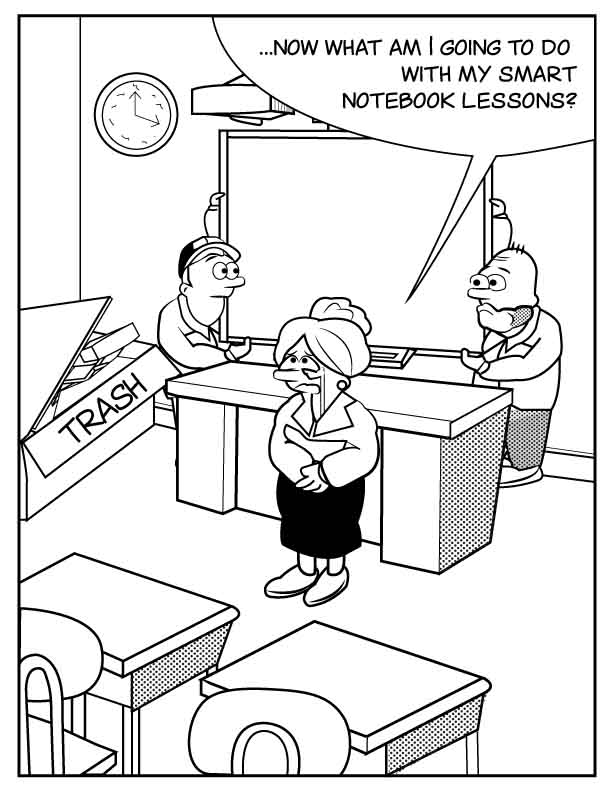
Replace your Smartboards with Interactive LEDs without losing SMART Notebook® lessons.

Alternatives to Smartboards, let's take a look at one. For the IT department of a School District, updating old Smartboards with new technology and software can be an absolute minefield. There are a lot of decisions to be made. What technology? What size LED? How much is it? What software does it come with? This [...]

By |2019-12-12T11:18:14+00:00October 13th, 2016|Interactive Flat Panels|Comments Off on Replace your Smartboards with Interactive LEDs without losing SMART Notebook® lessons.

Touch Screen Technology – What is right for you?

The 5 Types Of Touch Screen Technology. Which One Is Best For You? In our modern society, Touch Screens have become very commonplace: cell phones, ATM’s, kiosks, ticket vending machines and more all use touch panels to enable the user to interact with a computer or device without the use of a keyboard or mouse. [...]

By |2019-11-19T11:48:57+00:00August 2nd, 2016|Interactive Flat Panels|Comments Off on Touch Screen Technology – What is right for you?

Resolution Matters

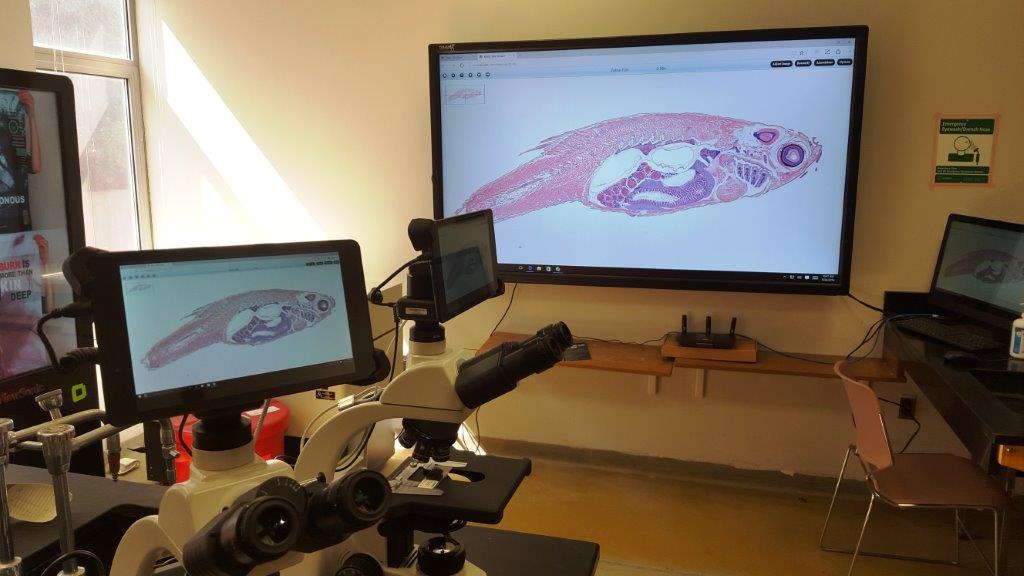
We all know that the clarity of an image depends hugely on the quality of a) the camera that took the image and b) the screen that you are viewing it on. When your image is coming from a Digital Microscope is it essential that the screen you are using is capable of displaying the highest [...]

By |2019-11-19T11:49:05+00:00July 11th, 2016|Interactive Flat Panels|Comments Off on Resolution Matters

How to Make Google Chrome More Touch-Friendly

  Out of the box, Chrome isn't as touch-friendly as Microsoft's Edge browser. However, you can tweak some hidden settings in Chrome for more touch support for your Windows tablet or touchscreen PC. The experimental settings below will force Chrome to recognize your taps better and add features like new copying and pasting buttons for [...]

By |2019-11-19T11:49:12+00:00May 26th, 2016|Interactive Flat Panels|Comments Off on How to Make Google Chrome More Touch-Friendly

LED Bolts and VESA

We're being asked a number of times for the bolt sizes and the VESA patterns on the back of our Interactive LEDs. In order to make this easy, we though we would write a quick blog post. All CAD drawings are available from the downloads section of this website TouchIT LED - 4pt and 6pt 65"to [...]

By |2019-11-19T11:49:22+00:00February 24th, 2016|Interactive Flat Panels|Comments Off on LED Bolts and VESA

TouchIT Interactive LEDs and VDIs (Virtual Desktop Infrastructure)

  We're pleased to let you know that TouchIT Interactive LEDs and our software, TouchIT Notes and TouchIT Oktopus are supported on VDIs. What is a VDI? Virtual desktop infrastructure (VDI) is the practice of hosting a desktop operating system within a virtual machine (VM) running on a centralized server. VDI is a variation on the client/server [...]

By |2019-11-19T11:49:31+00:00January 12th, 2016|Interactive Flat Panels|Comments Off on TouchIT Interactive LEDs and VDIs (Virtual Desktop Infrastructure)

TouchIT Interactive LED & Chromebook Collaboration

In this blog we'll look at how we can use the TouchIT Interactive LED with the popular education tool the Chromebook. By combining the TouchIT LED, TouchIT Oktopus software and the Chromebook, we can create a powerful whole class teaching tool. Teachers can create questions and activities using the Oktopus tools and students can interact [...]

By |2019-11-19T11:49:37+00:00January 7th, 2016|Interactive Flat Panels|Comments Off on TouchIT Interactive LED & Chromebook Collaboration
Go to Top